

Key Capabilities
Six stages of automated processing, from phone scan to IFC-ready BIM model.
Automated Segmentation
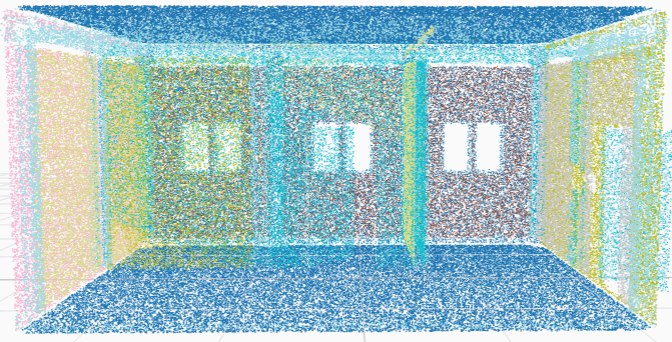
BIM-Net++ classifies every point in the cloud into walls, floors, ceilings, doors, windows, beams, or columns.
BIM Reconstruction Support
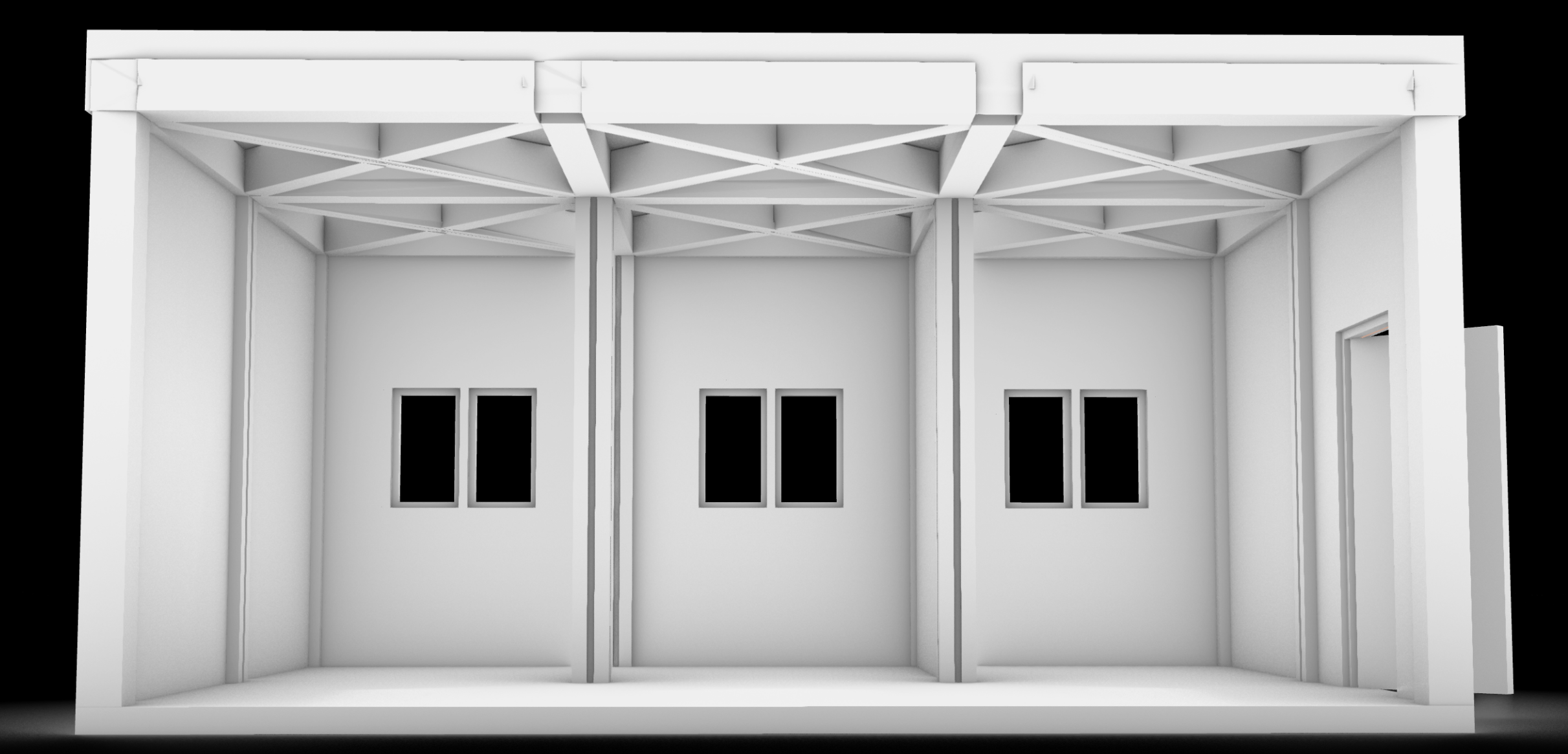
RANSAC and IFCOpenShell convert segmented instances into a fully compliant IFC file in under 3 minutes.
Interactive 3D Exploration
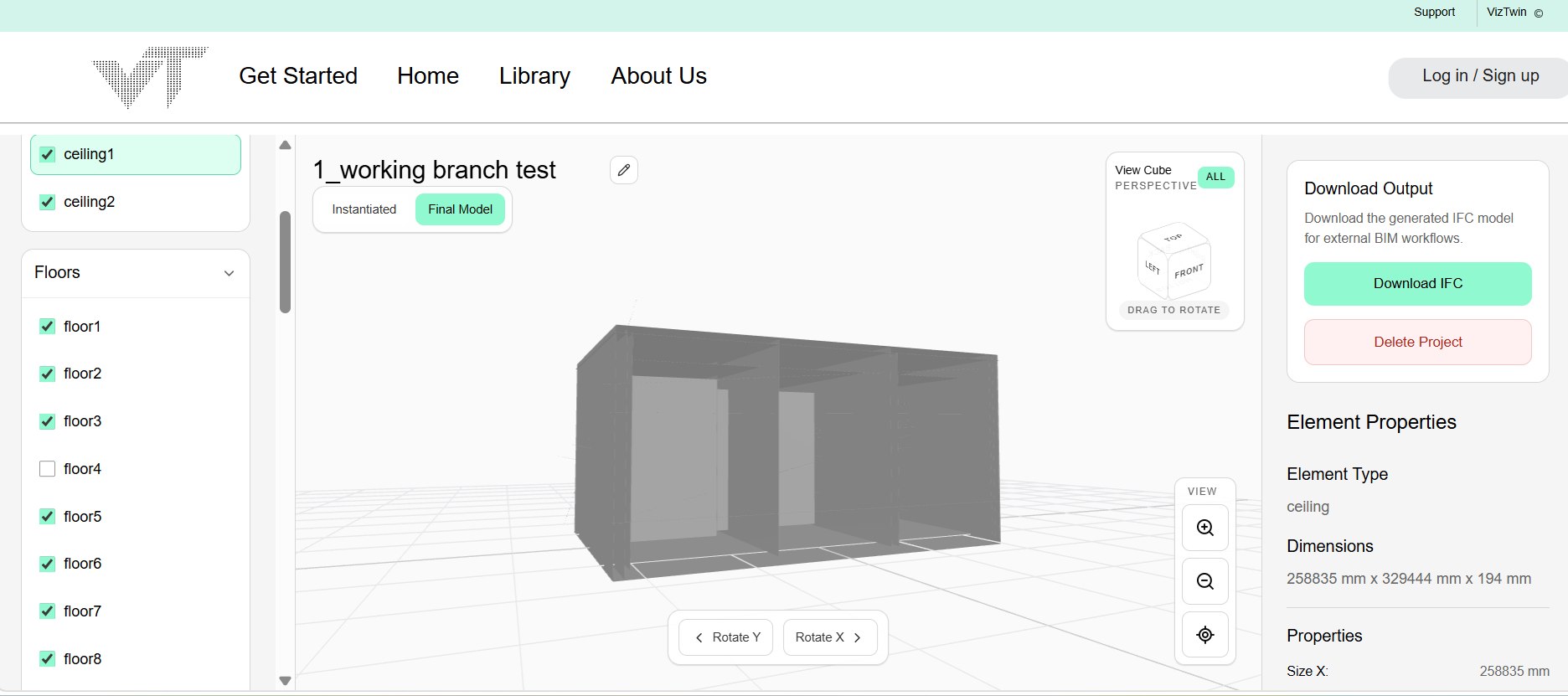
Orbit, pan, and zoom through the reconstructed model directly in the browser. No software needed.
Layer-Based Filtering
Toggle any element class on or off to inspect specific parts of the model.
Element Properties
Click any element to see its extracted dimensions, orientation, and position.
Exportable Outputs
Download the final model as an .ifc or .obj file for use in Revit or other BIM tools.
Project Methodology
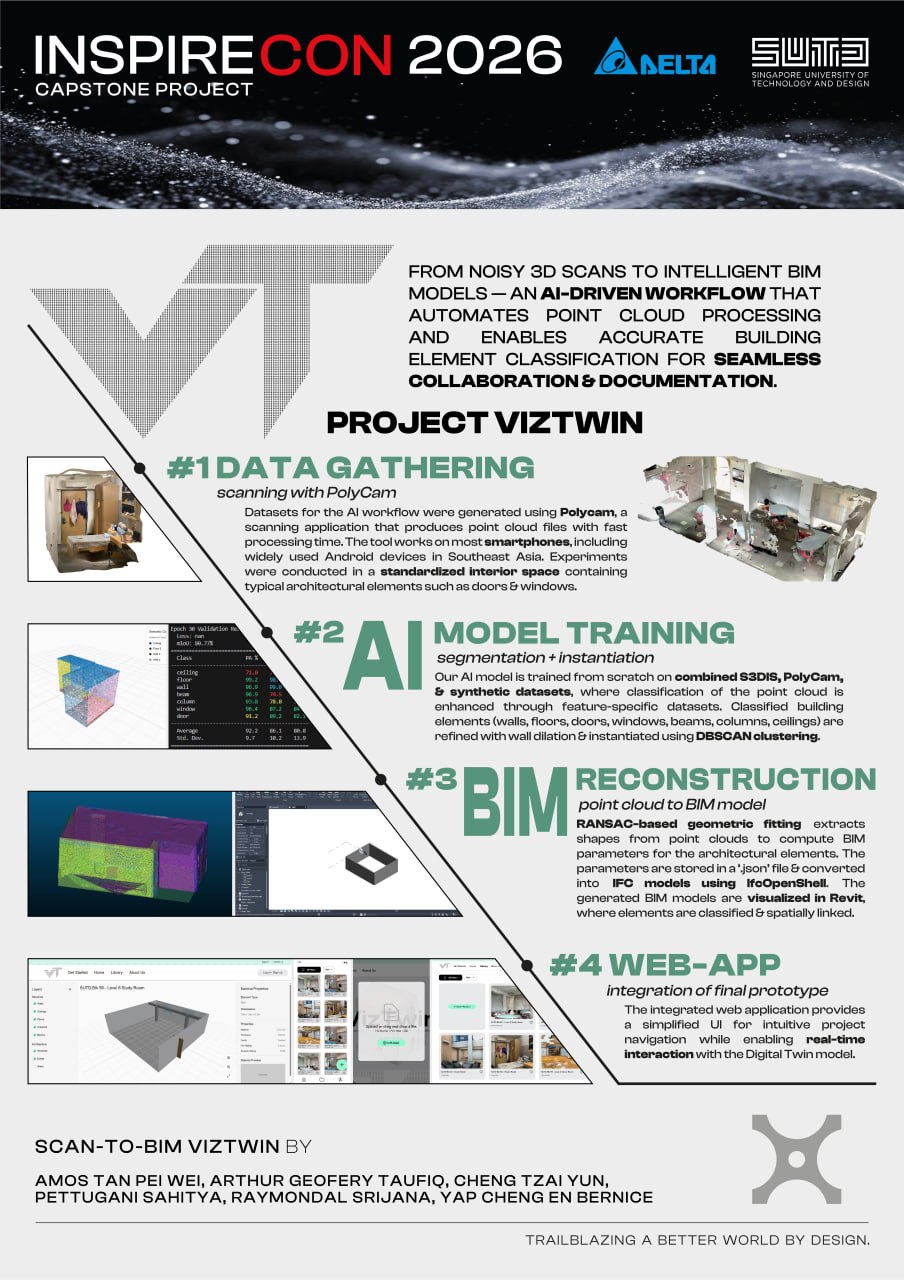
This project methodology is divided into two main components: an AI-based pipeline for interpreting point cloud data and a web application for managing projects and interacting with reconstructed 3D models.
AI Pipeline Methodology
The pipeline runs five sequential stages, from point cloud capture to an interactive IFC model, all without manual intervention.
01
Data Gathering
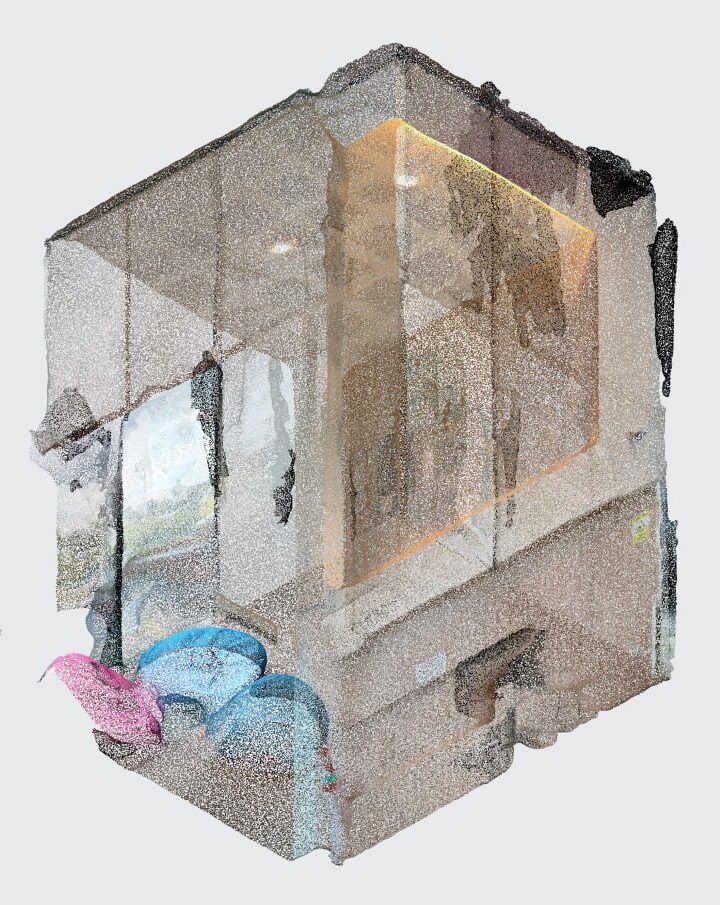
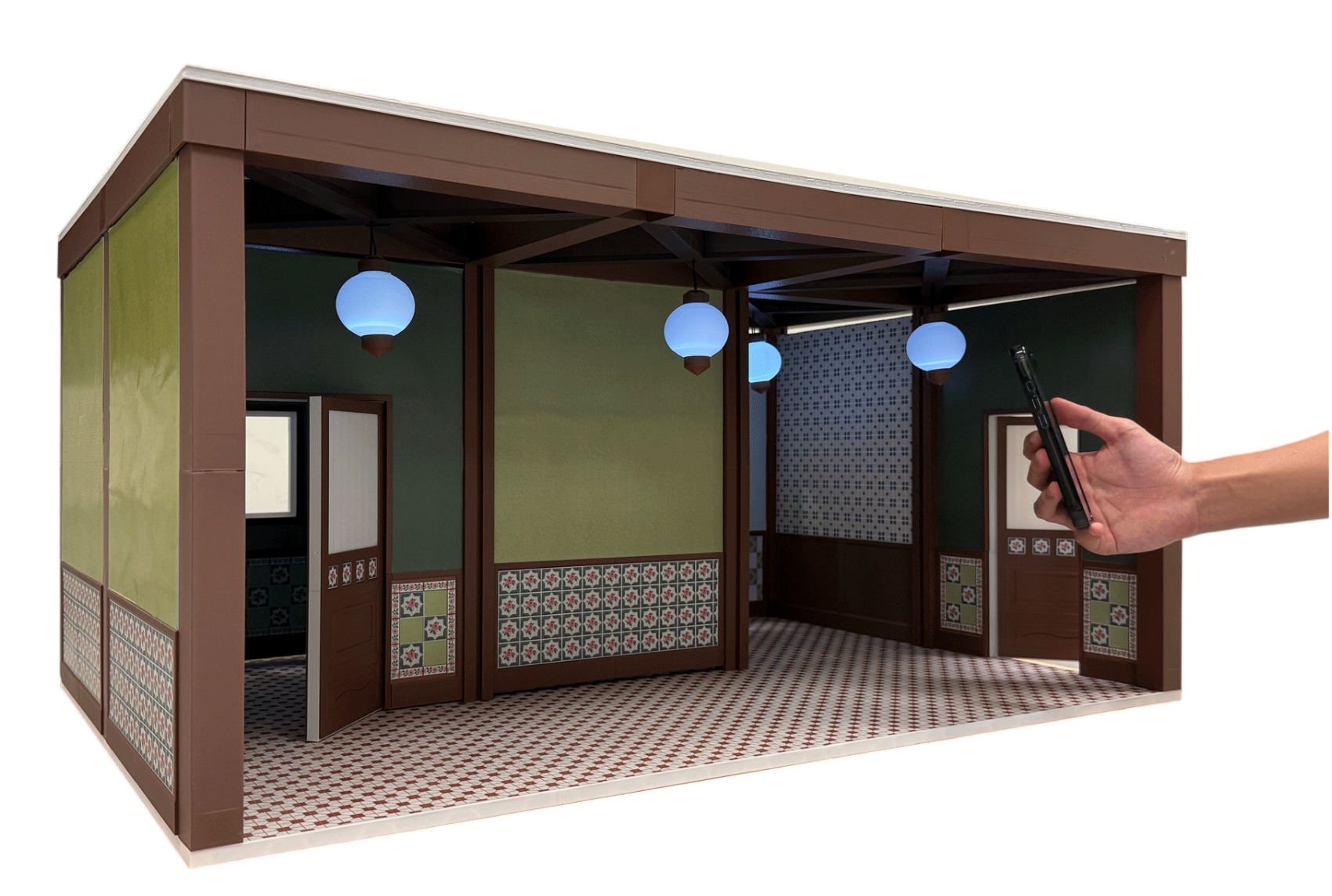
Indoor spaces are scanned using Polycam’s photogrammetry feature, generating dense, colorized point clouds compatible with Android and iOS devices.
02
AI Model Training
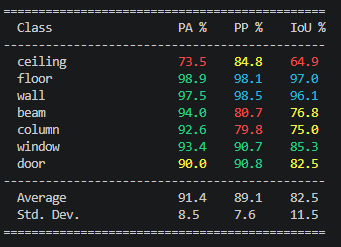
BIM-Net++ is fine-tuned on a hybrid dataset of 9 scanned rooms, 200 synthetic rooms, and 7,000 S3DIS files, classifying points into 7 structural classes.
03
Object Detection & Structuring
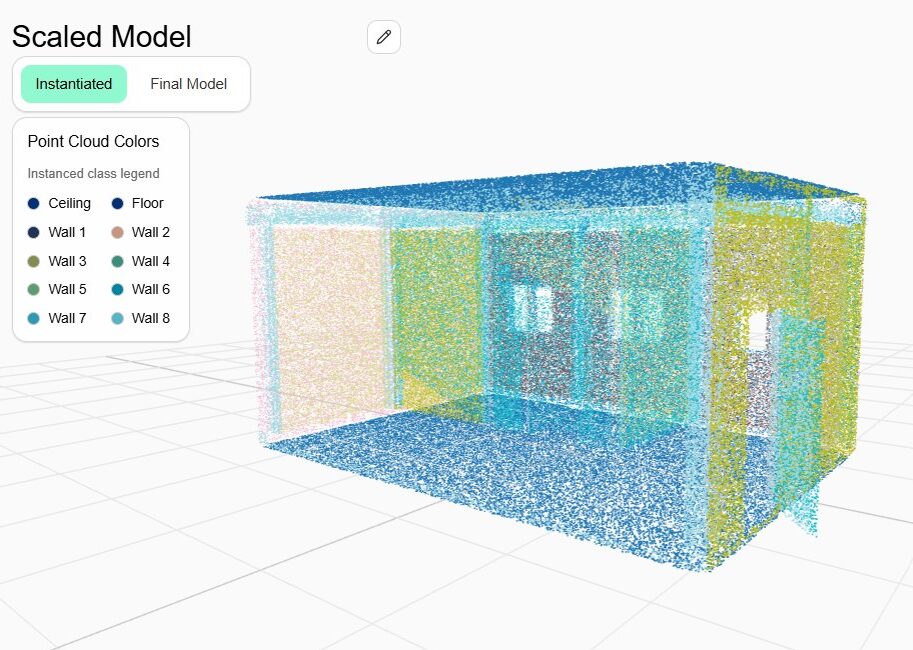
RANSAC extracts planar elements like walls, floors, and ceilings, while DBSCAN clusters and separates individual instances within each class.
04
BIM Reconstruction
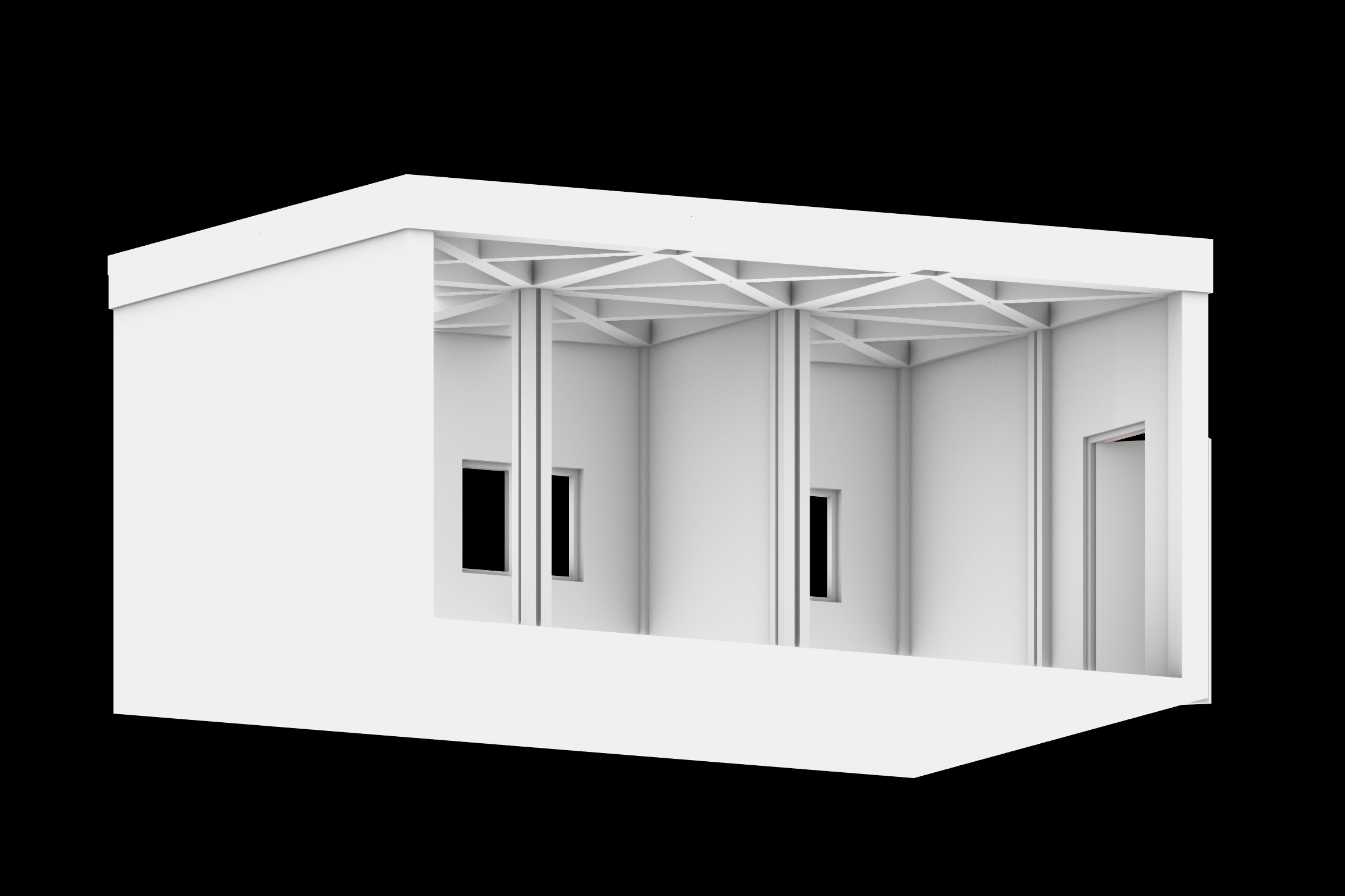
Instantiated features are passed into IfcOpenShell Python, which converts them to geometric objects in a fully compliant IFC file.
05
Web App Integration
The BIM is delivered through an interactive browser viewer with layer filtering, property inspection, and file export.
Web Application Platform
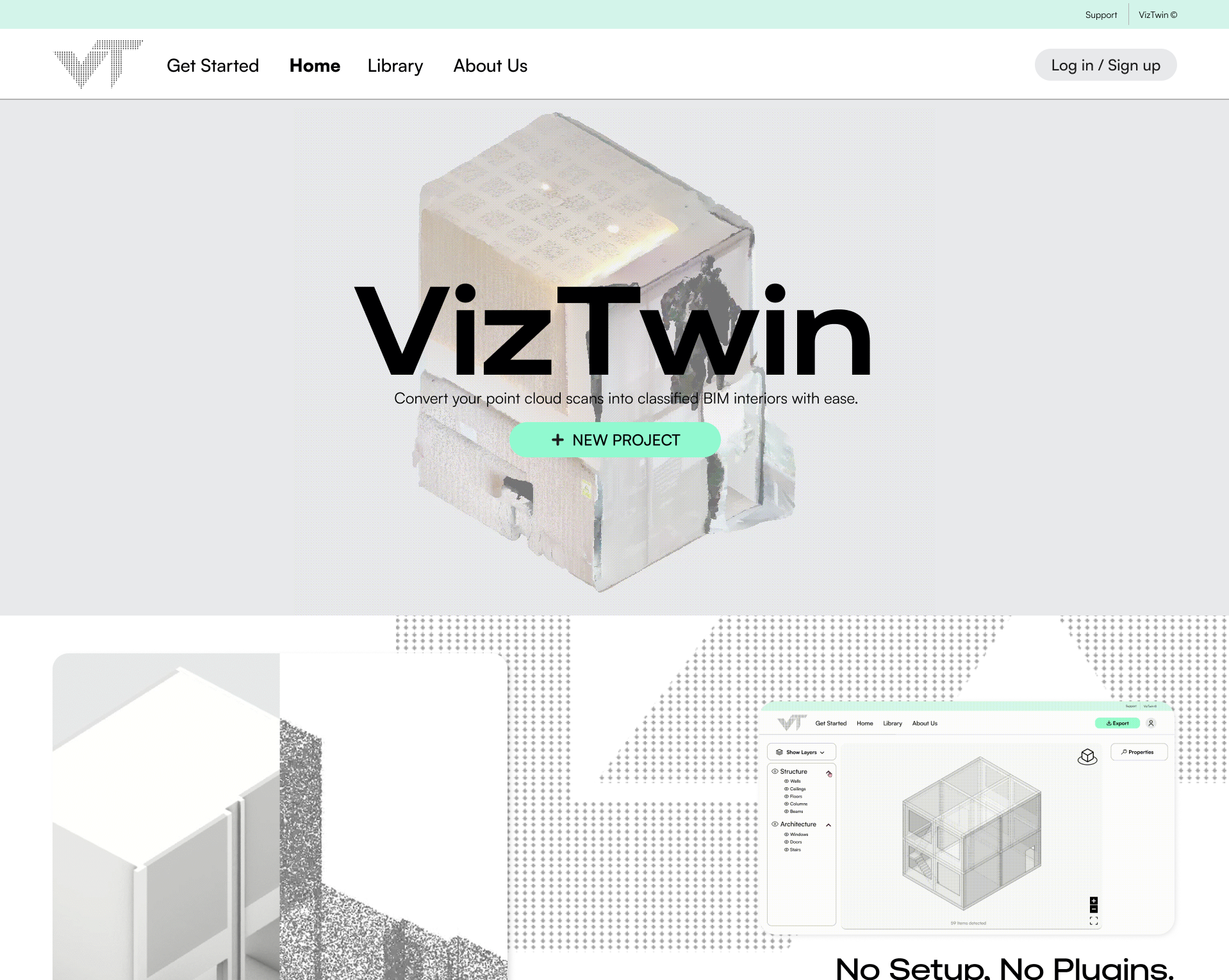
The web application provides a user-friendly platform for project upload, model viewing, building element inspection, and file export. It connects the technical workflow to an accessible interface for users.
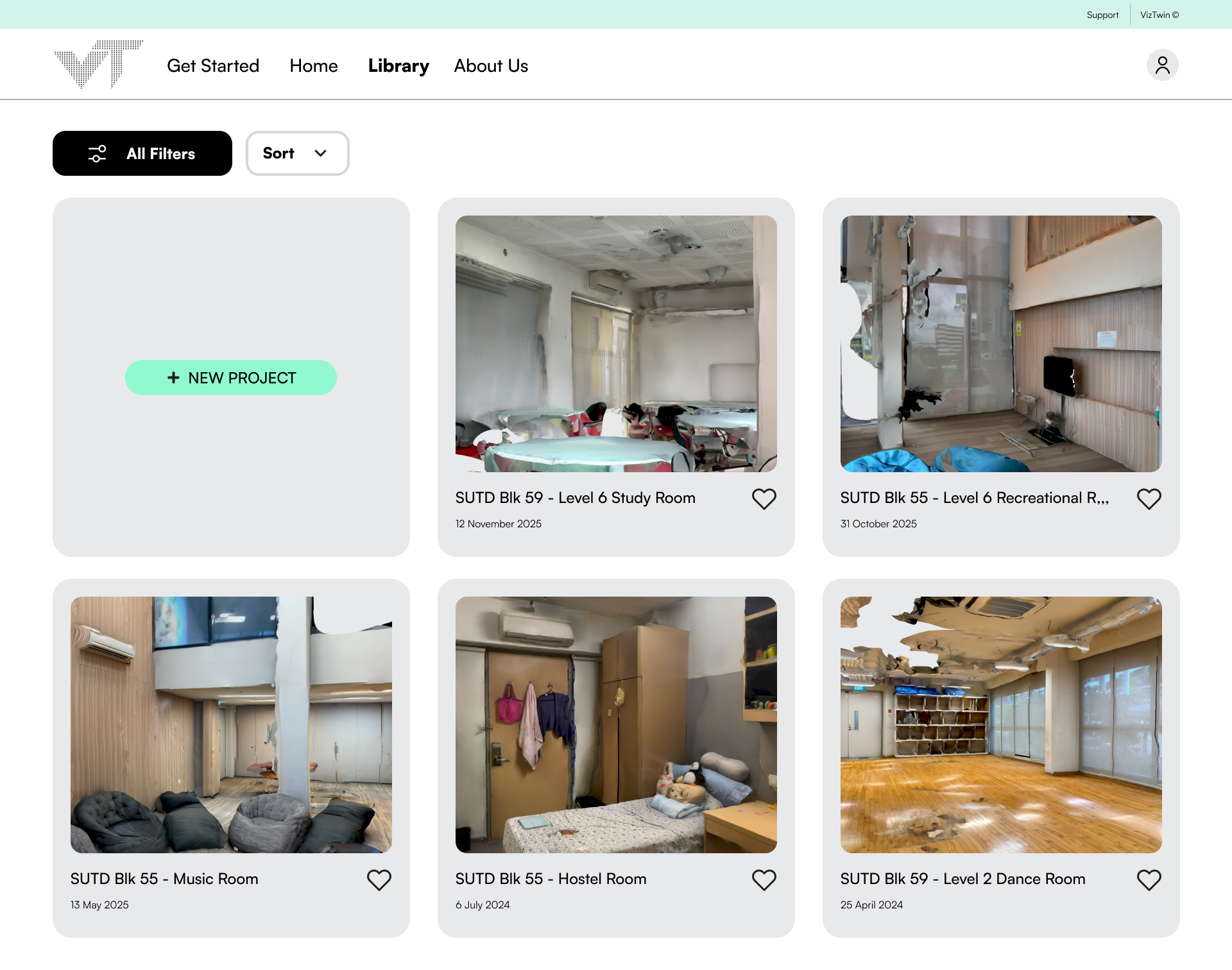
Users upload point cloud files (.ply, etc.) via drag-and-drop or file directory. All projects are stored in a centralised library, accessible across devices under the same account.
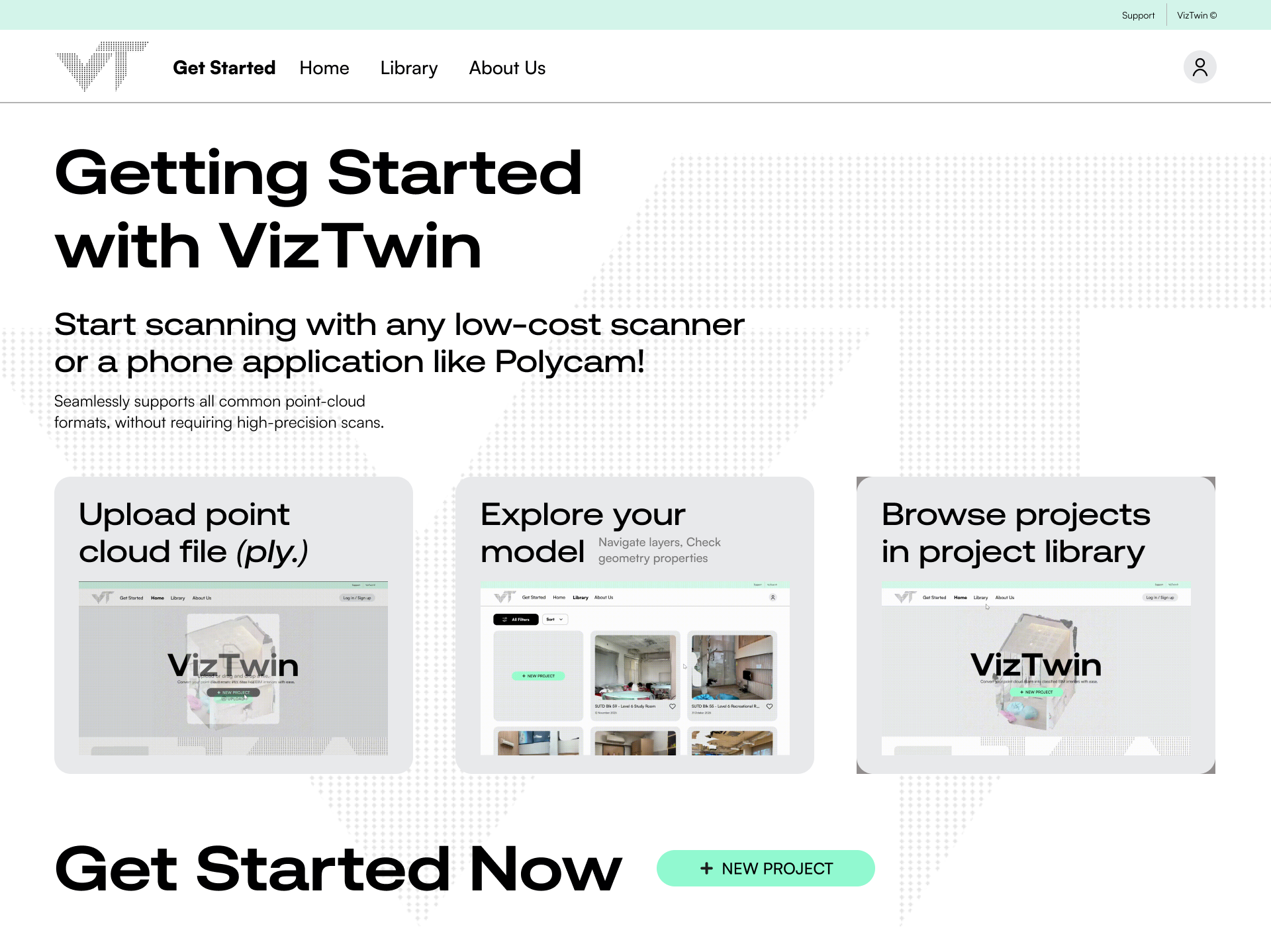
First-time users are guided through a structured onboarding tutorial covering key tools, navigation patterns, and the overall workflow, lowering the barrier to entry for non-technical users.
The reconstructed BIM is displayed in an interactive browser-based 3D viewport. Users can orbit, pan, and zoom through the model with no additional software required.
Building components such as walls, floors, doors, and windows can be toggled on or off via a layers dropdown. Selecting any element reveals its extracted geometric parameters in a properties panel.
Completed models can be downloaded in BIM-compatible formats including .obj and .ifc for use in downstream workflows.